

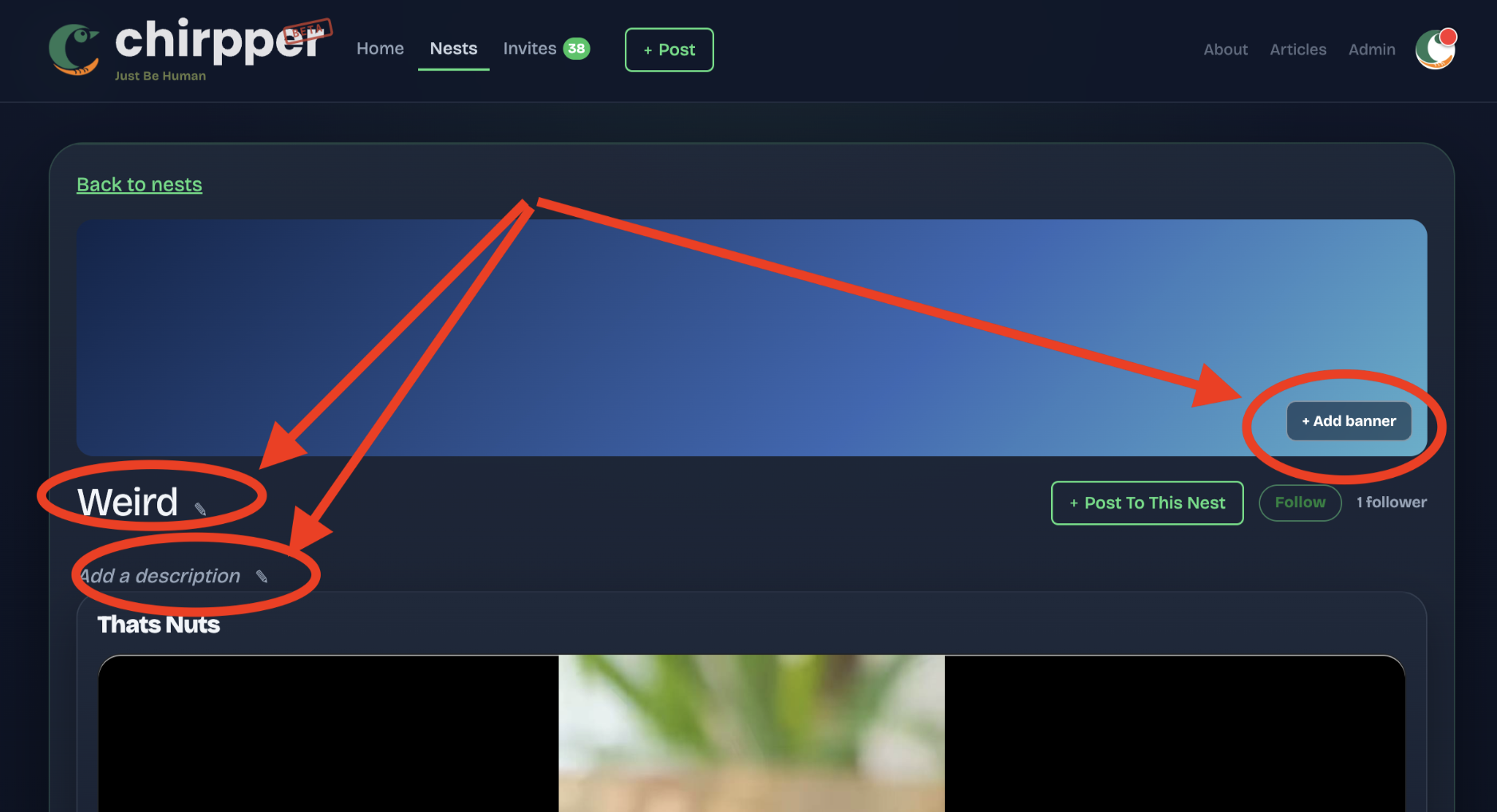
Title, description, banner. Click the little pencil. If someone makes a bad edit, there's a history with a revert button, so nothing is permanent.
This came out of watching a new member @rbhead , create their own nest last week. They made the thing, they were posting in it, and they couldn't change a single word on the page. That seemed backwards.
No locks, no permissions tiers, no approval queue. Wikipedia added all of that eventually and we may too. But I'd rather find out what actually happens first than guess at it and build a moderation system for a problem we don't have yet.
So: go edit something. Fix a description that's bugged you. And if you find a way to abuse this, I'd honestly rather you tell me here than have me find out from a stranger.
Comments
I'll keep being "that guy" What is the difference in a post and an article? I see that option on posts but cant find anything that tells me what that does.
Share
Once again, THANK YOU! for the feedback @rbhead. In short they're both about the same - in that they show up on the homepage feed and in nests, etc. - but articles get saved to your personal article page as well and have different typography styling. Yours would be at https://chirpper.com/token/rbhead/articles. I wanted a blog for myself, so I made a blog for everyone. I also wrote an article about the description over here: https://chirpper.com/p/c63abb52/the-name-is-fake-the-record-is-real
I also added new help text to the toggle button to explain what the feature is for on the create page.
Share